How to Request PUBG Mobile PCOB API

· 5 min read
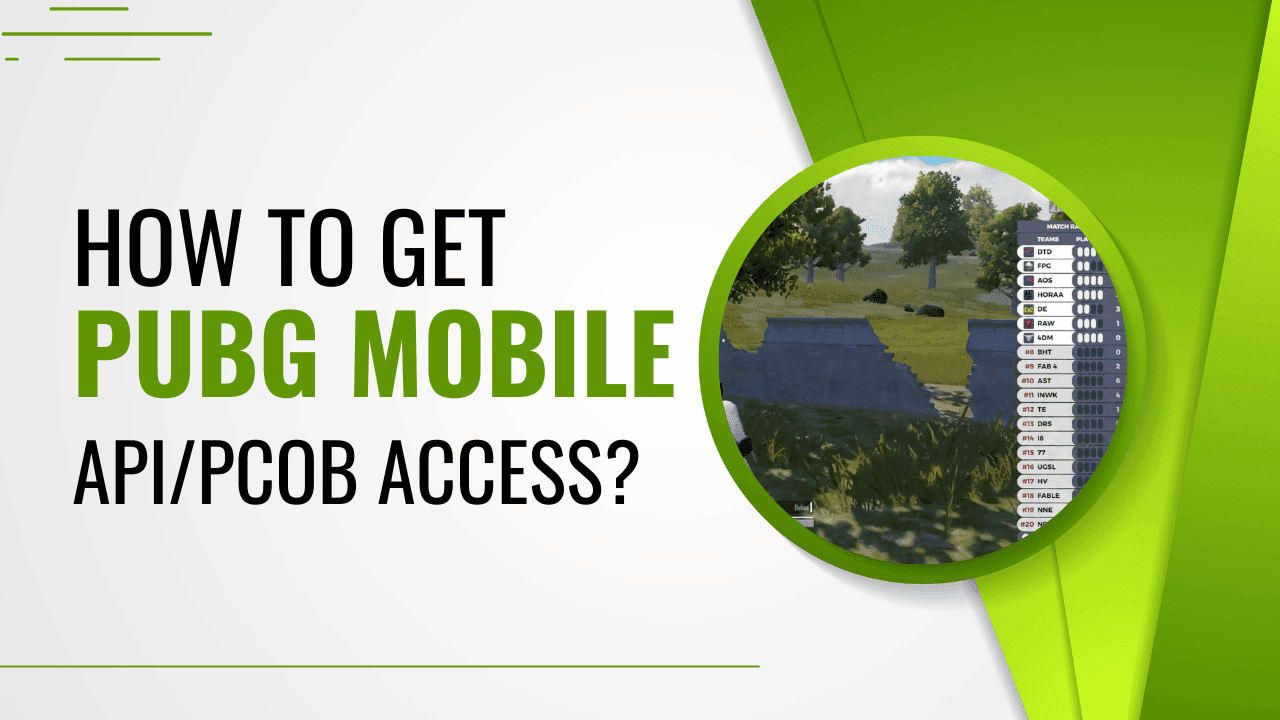
If you've ever watched a professionally produced PUBG Mobile tournament broadcast and wondered how the production team tracks every team's position, eliminations, and zone movements in real time, the answer is PCOB. It's the backbone of serious PUBG Mobile tournament production, and most organizers don't know it exists until they're already deep into planning their first event.
This post covers what PCOB is, how to apply for access, what the requirements look like, and why you'll need something beyond PCOB alone to get a broadcast-ready overlay on your screen.
What is PUBG Mobile PCOB (PC Observer Client)?
PCOB stands for PC Observer Client. It's a dedicated spectator program built by PUBG Mobile for tournament organizers. Unlike the in-game spectator mode most players are familiar with, PCOB is a separate application designed for production environments.
Here's what PCOB gives you that standard spectating doesn't:
Full freecam control so your observer can move independently across the entire map
Smooth player and team tracking without the typical spectator limitations
The ability to display team names and logos directly on in-game screens during broadcast
Access to the PCOB API, which streams live in-game data (kills, zone data, standings, team stats) to your broadcast pipeline in real time

That last point is what makes PCOB genuinely powerful for production teams. The API turns a spectator tool into a live data feed that your broadcast software can read and display however you need.
How to Get PCOB Access for Your PUBG Mobile Tournament
PCOB is not a program you download and install on your own. Access is granted directly by PUBG Mobile on a per-tournament basis, and it only comes through their official third-party tournament licensing process.
The way it works: you apply for a third-party tournament license through PUBG Mobile's Third Party Tournament Licensing Portal. If your application is approved and your event meets their requirements, PUBG Mobile grants you tournament support for the duration of your event. That support package includes room cards and PCOB access, with access being active only while your tournament is running.
Think of it as a licensed window. PUBG Mobile opens it for your event dates and closes it once the event wraps. This is a free support program from PUBG Mobile designed to strengthen the third-party tournament ecosystem, so there's no direct cost for PCOB access itself.
Requirements to Get Your Application Approved
PUBG Mobile has specific criteria your tournament needs to meet before they'll approve PCOB access. Getting these right before you apply saves a lot of back-and-forth.
Minimum prize pool of USD 500. Your tournament must offer a prize pool exceeding this amount. This is a baseline requirement to maintain competitive standards across sanctioned events.
No restricted brand categories. Sponsorships or promotions involving alcohol companies, gambling services, or tobacco products will negatively affect your application. Make sure any sponsors you've committed to are compliant before applying.
Accurate and transparent application information. Everything you submit about your organization, tournament structure, and intended use of the API needs to be truthful and complete. Inconsistencies are the fastest way to get rejected.
If you meet these requirements, PUBG Mobile will whitelist your account for PCOB and you can run your tournament with full observer and API support.
PCOB API Is Powerful, But It's Only Half the Picture
Here's where most first-time organizers hit a wall. PCOB gives you the API, but the API alone doesn't add anything visual to your broadcast. You won't automatically get a live leaderboard, team standings, or any of the overlays viewers expect from a professional production.
To go from raw API data to actual on-screen graphics, you need a platform that sits between the PCOB API and your broadcast software (OBS or VMIX). That platform reads the live data from PCOB and converts it into browser sources that you can layer over your game feed.
How TournaLink Completes the PCOB Pipeline
This is exactly the problem that TournaLink was built to solve. TournaLink connects directly to the PUBG Mobile PCOB API and translates the live match data into browser sources you can drop straight into OBS or VMIX.
What that means in practice during your broadcast:
Live leaderboards update automatically as events happen in game
Leaderboards reflect real standings without any manual input
Team stats, zone timers, and match progress display on screen with no delay
Your production team focuses on the broadcast instead of managing spreadsheets mid-match
PCOB gives you the data. TournaLink gives you something you can actually put on a screen. If you're planning a PUBG Mobile tournament with a proper broadcast, you need both.
Running a PUBG Mobile Tournament? Wiser Esports Can Handle the Full Production
Applying for PCOB, setting up TournaLink, managing observers, and running a clean broadcast simultaneously is a lot to coordinate. Most first-time organizers underestimate how much is happening behind the scenes during a live event.
Wiser Esports handles the entire production layer so you don't have to. From lincesing of tournament and API integration to observer management, live graphics, and broadcast delivery, our team has done this across 20+ official tournaments worldwide including PMGO and PMNC. We know what a production failure looks like mid-match and we know how to prevent it.
If you're organizing a PUBG Mobile tournament and want a production team that has already solved the problems you haven't run into yet, take a look at our PUBG Mobile tournament production services or reach out directly to talk through what your event needs.
Founder/ CEO
Pradip loves doing production with new challenges and does vibe coding in free time.